Gravity Safe Code Paste
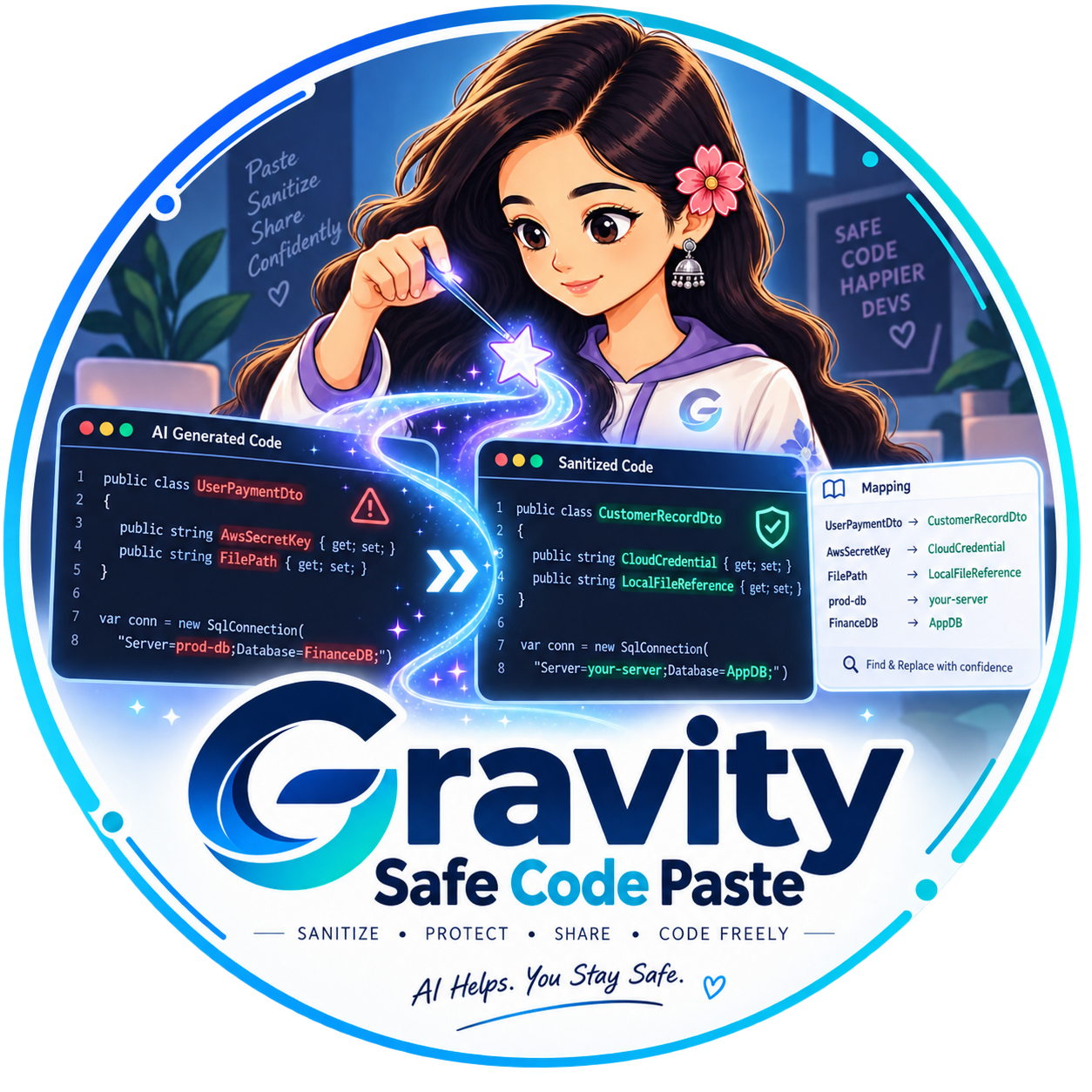
Sanitize AI-generated code, SQL, and configuration before sharing it with colleagues, LLMs, or public forums.
Credentials, connection strings, tokens, file paths, private URLs, and project-specific identifiers are replaced locally in your browser while preserving exact syntax and structure.
Replacement Mapping
Exact original values detected and their safe consistent replacements.
| Original | Replacement | Category / Reason |
|---|---|---|
| Run Sanitization to see mappings. | ||
Detected Sensitive Items
Categorized breakdown of sensitive artifacts identified.
How Gravity Works
Paste Java, C#, Python, JSON, YAML, .env, TOML, XML, or SQL from your IDE or terminal.
Detects secrets, tokens, connection strings, IPs, and internal identifiers without breaking code syntax.
Copies or downloads the sanitized output with a full replacement audit mapping table.
Zero Network Transmission
Your source code, secrets, connection strings, and internal entity names never leave your computer. All parsing, replacement mapping, and sanitization runs strictly inside your local browser runtime.